 ProductReveal
Video Upscaler
Improve video resolution and perceived visual clarity online
About this product
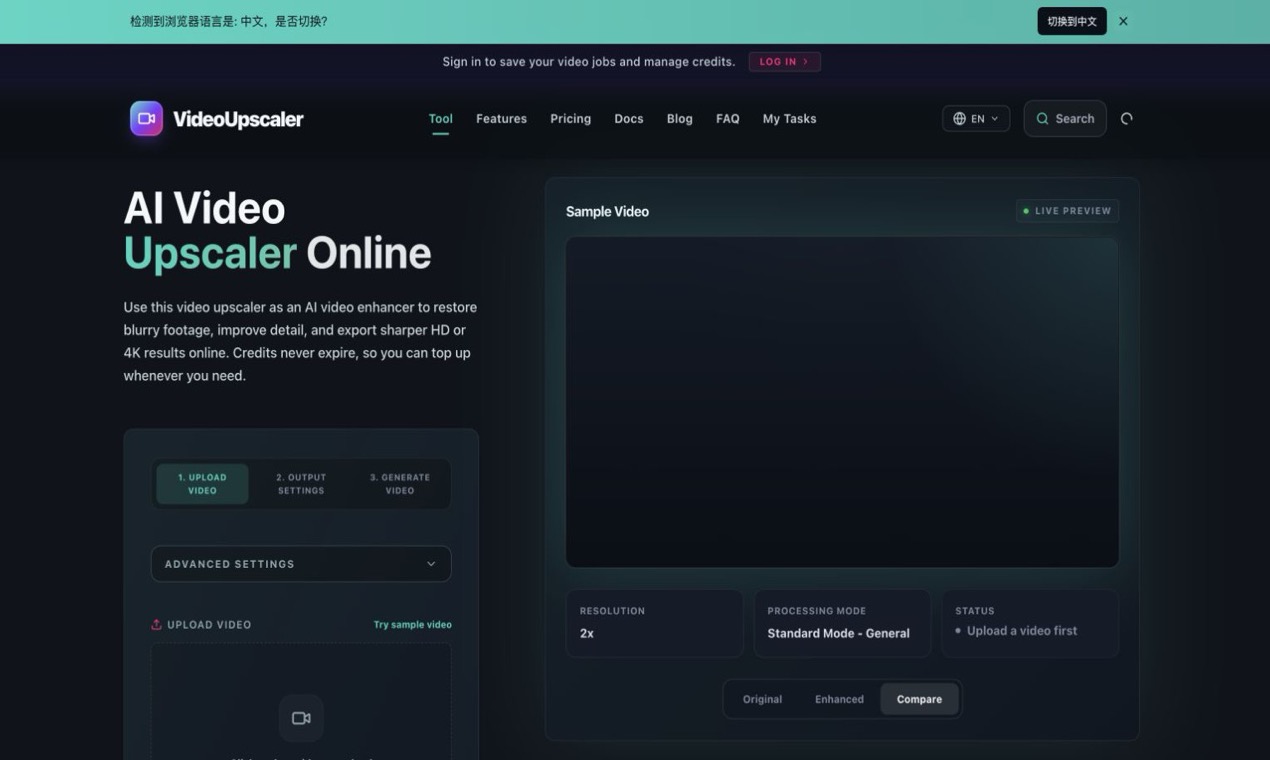
Video Upscaler is an online AI-assisted video enhancement product designed for people who need to improve the resolution and perceived clarity of low-resolution footage. The service focuses on a production problem that appears in many settings: an older clip, compressed export, downloaded asset, or small source video may not look acceptable on a modern screen. Instead of presenting a full editing suite, the product concentrates on scaling and visual cleanup.
A useful enhancement workflow begins with the source rather than the target resolution. Users should identify heavy compression, noise, motion blur, interlacing, and unstable edges before choosing an output size. Increasing pixel dimensions does not automatically restore lost information. The practical goal is to reduce distracting artifacts, improve edge definition, and produce a result that holds together at the intended viewing size. Video Upscaler is best understood as a tool for that controlled improvement rather than as a way to create detail that was never captured.
The product is relevant to creators, marketers, educators, archivists, and small teams. A creator may need to reuse an older clip in a new vertical edit. A business may have product footage saved only in a compressed format. An educator may want screen recordings to remain readable in a presentation. An archivist may need a more viewable copy of personal footage. These scenarios differ, but all benefit from a clear browser workflow and a careful before-and-after review.
Motion is the most important part of quality control. A paused frame can appear sharp while the actual video contains flicker, crawling edges, or unstable fine textures. Users should watch the processed clip at normal speed, inspect the most difficult motion sections, and review faces, text, hair, foliage, and high-contrast boundaries. These areas reveal whether enhancement is consistent across frames. Audio synchronization and frame rate should also be checked after processing.
Order of operations matters. Severe noise and compression artifacts are usually easier to address before aggressive scaling. Color and exposure corrections should remain restrained so they do not exaggerate banding or halos. After enhancement, it is helpful to create one high-quality master and derive platform-specific exports from that file. Repeatedly processing already compressed social-media versions can cause each generation to look worse.
The browser delivery model lowers setup friction for occasional jobs. Users should still review the product's current privacy, retention, file-size, and format policies before sending sensitive or irreplaceable footage. For routine creative assets, an online workflow can be more convenient than configuring a large desktop editor, especially when the task is limited to resolution and perceived clarity.
Video Upscaler is not a replacement for professional restoration, manual rotoscoping, or a full nonlinear editor. Difficult footage may require specialized denoising, deinterlacing, color work, and shot-by-shot adjustments. The product is more appropriate when a user wants a focused enhancement step and a faster path to a cleaner deliverable.
Teams can make the workflow repeatable by documenting source resolution, target resolution, frame rate, codec, and export bitrate. Keeping short comparison samples before committing to a long render reduces wasted processing. It also makes evaluation more objective because everyone reviews the same motion sections and delivery conditions.
Overall, Video Upscaler offers a focused route from weak source footage to a more usable output. Its value depends on realistic expectations, sensible processing order, and review in motion at the final delivery size. With those practices, it can support content reuse, presentation preparation, archival viewing, and everyday video production without forcing users into a complex editing environment.
Key features
- AI-assisted video resolution enhancement
- Browser-based workflow for low-resolution footage
- Before-and-after visual quality review
- Support for reusable high-quality exports
- Focused alternative to a full editing suite
Reviews
Reviews are moderated before appearing publicly.
No reviews yet — be the first to share your experience.