 ProductReveal
About this product
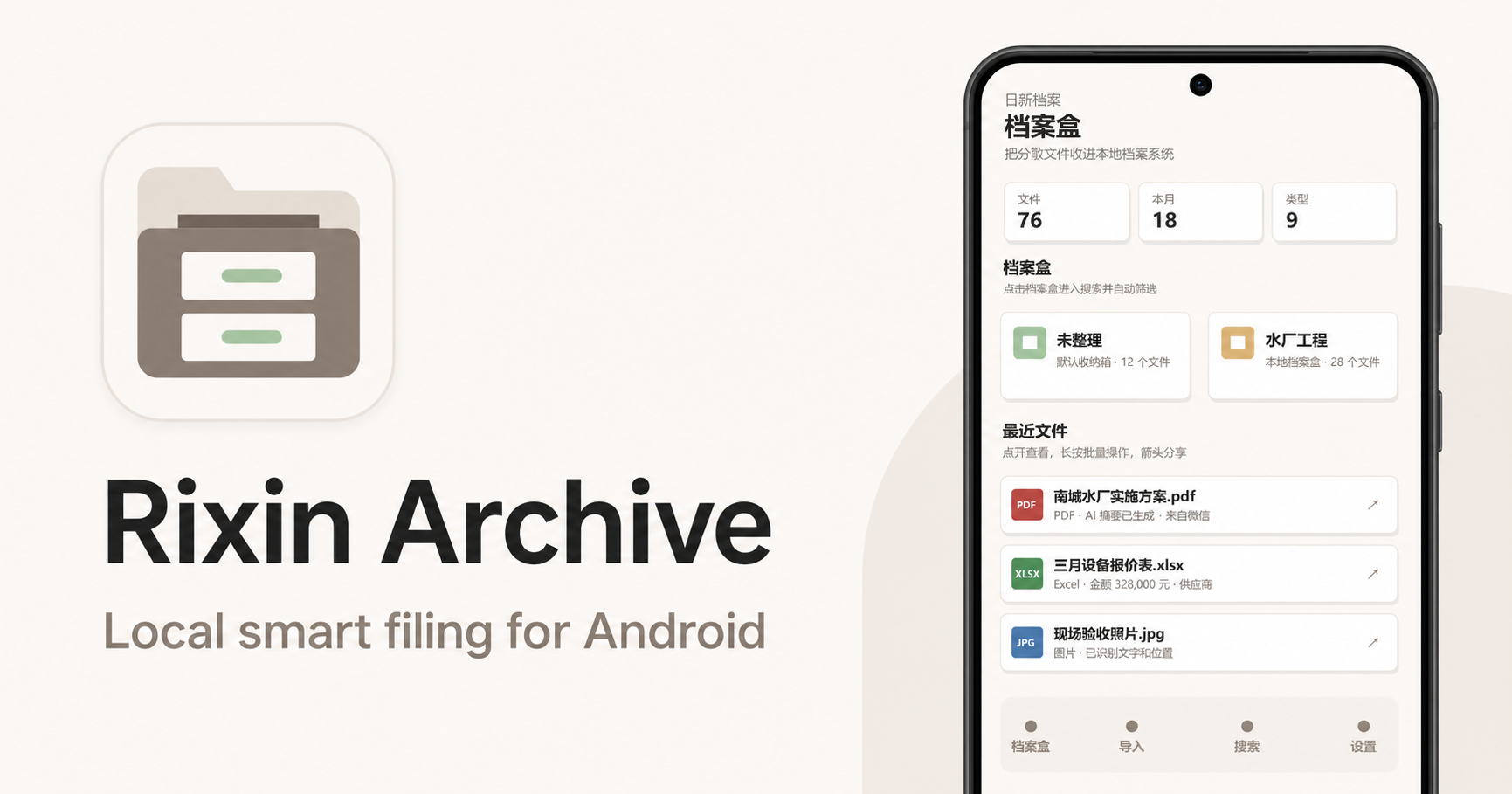
Rixin Archive is a local-first Android filing system built for a familiar mobile problem: important work and personal files arrive through many different apps, then become difficult to find. Contracts may come from a chat app, quotations from email, spreadsheets from an office suite, photos from the camera, and PDFs from a browser or Downloads folder. Rixin Archive gives these scattered documents one consistent filing workflow without pretending to read another app's private storage.
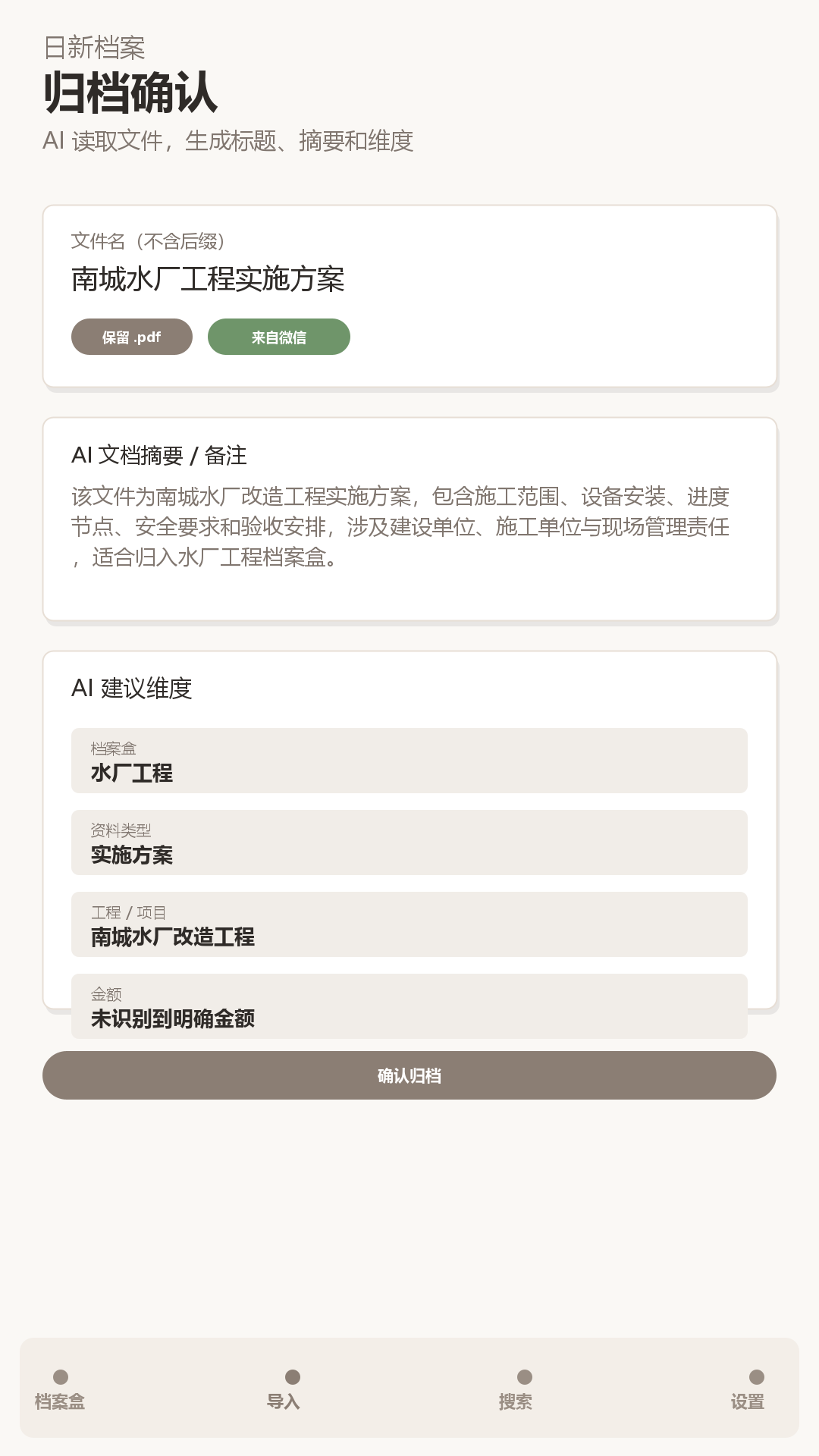
The core workflow starts from Android's standard share or open-with sheet. A user sends a supported document, image, or media file to Rixin Archive, chooses an archive box, reviews the name and metadata, and saves it. The app creates an independent copy in its own private storage while preserving the original file extension. If the source message, download, or temporary file is later removed, the archived copy remains available inside Rixin Archive.
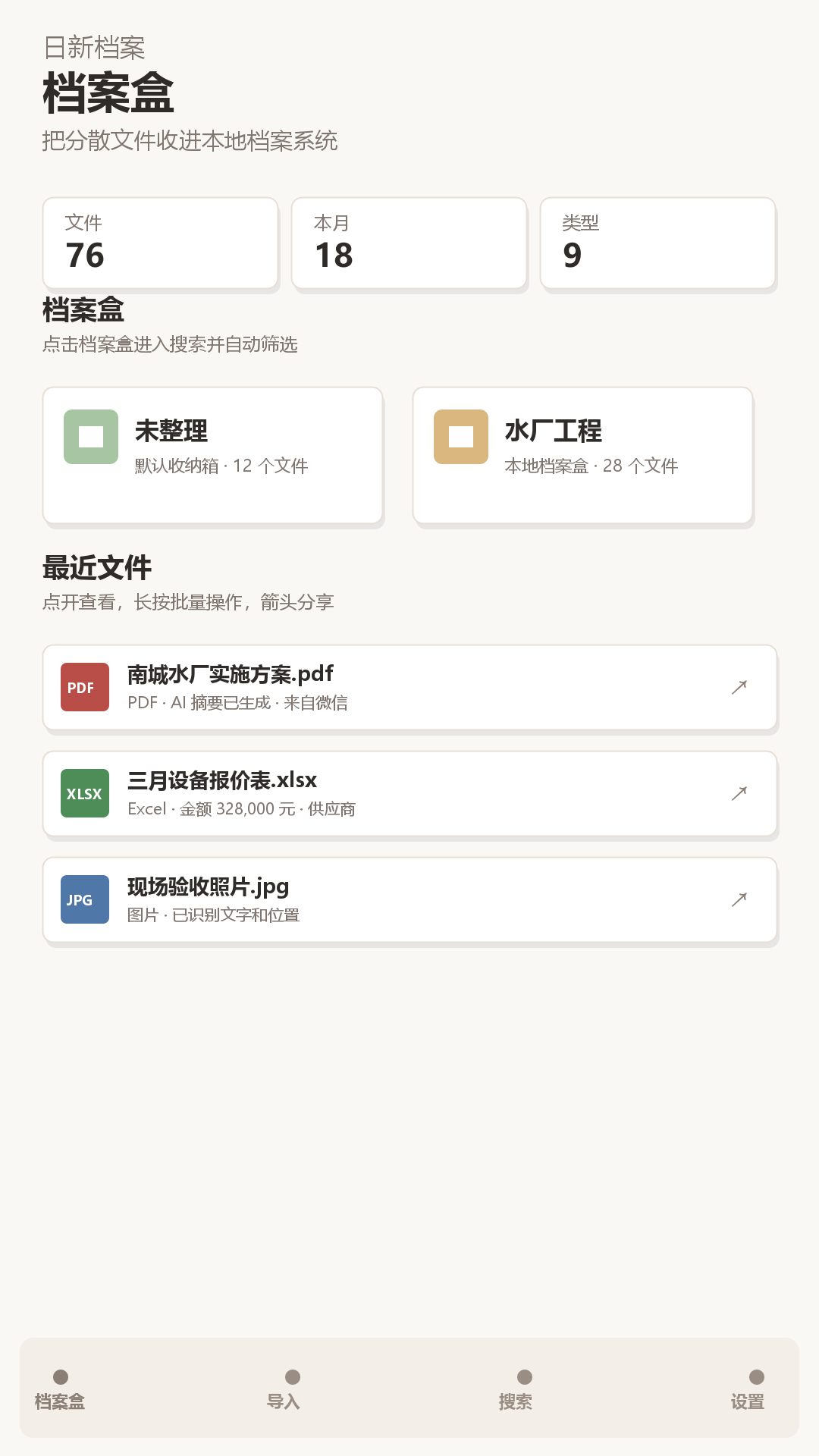
Organization is more flexible than a conventional folder tree. Each item can have a document type, source application, notes, tags, and user-defined dimensions such as project, organization, client, supplier, amount, date, or location. Archive boxes provide the primary filing structure, while metadata supports cross-cutting retrieval. A contract can belong to a project archive box and still be found by supplier, amount, document type, date, or a phrase from its notes.
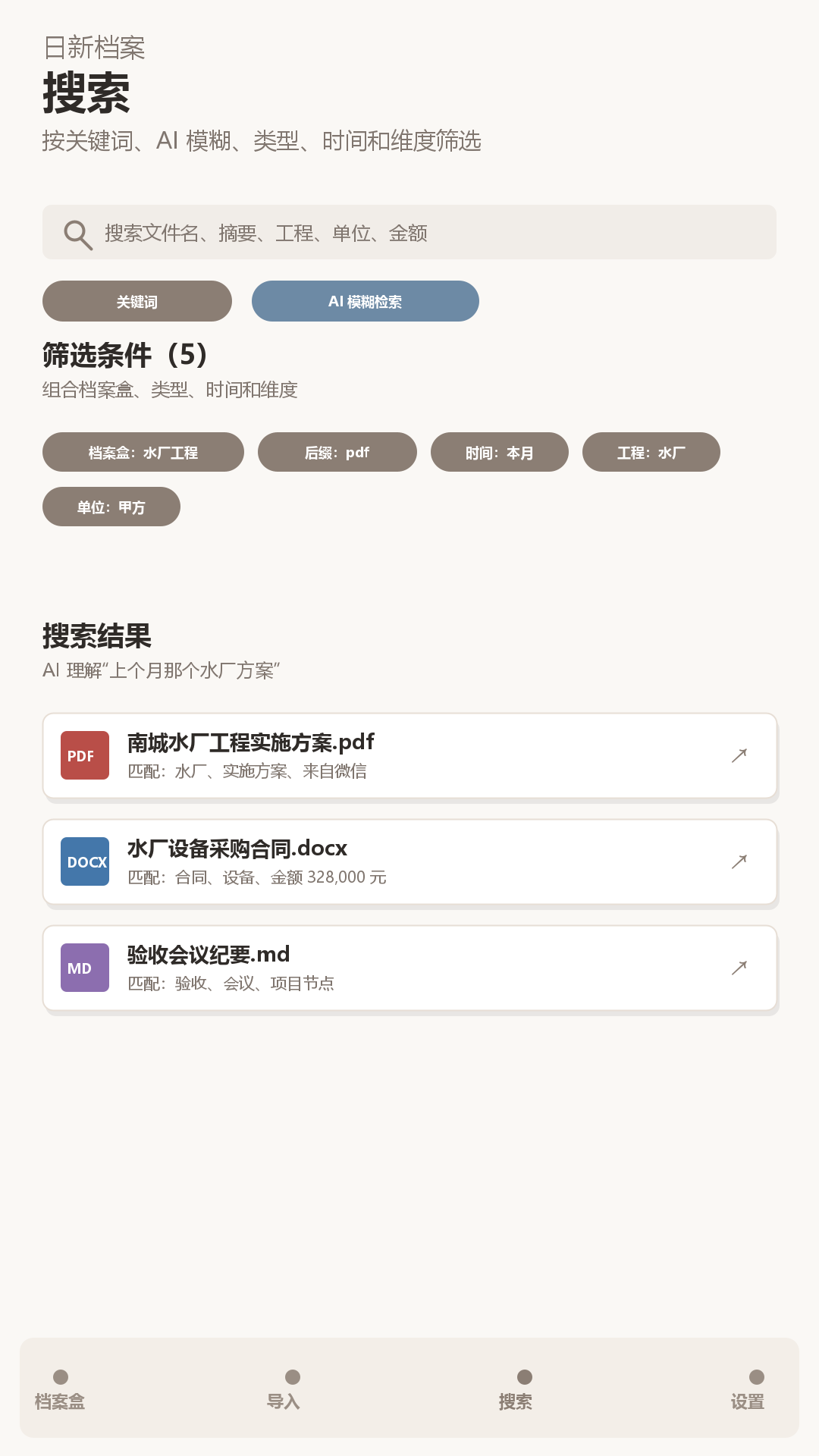
Search combines ordinary keyword retrieval with practical filters. Users can narrow results by archive box, file type, time, source, tags, and custom dimensions. This is useful for people who remember context rather than exact filenames: for example, a quotation from a supplier last month, a PDF related to a waterworks project, or an image received from a work chat. Recent-file lists load progressively so a large archive remains manageable.
Rixin Archive also includes an optional on-device AI Archive Assistant for supported documents and images. When the user starts it, the assistant can extract readable text, suggest a concise title, prepare a content-focused summary, and recommend tags, document type, archive box, and relevant metadata. OCR helps interpret images that contain useful text. Suggestions are editable and reviewable before saving, and manual filing remains fully available. This makes AI an assistant to an accountable filing decision rather than an automatic black box.
Privacy and user control are central to the product's design. The app does not require an account for its core filing workflow. Archived content is stored locally in app-private storage. AI filing is optional, can be stopped during processing, and is not required to create an archive. The product is also clear about operational boundaries: it does not promise universal parsing of every file format, access to files protected inside other apps, or complete offline operation for advertising, Google Play Billing, and supporting Google services.
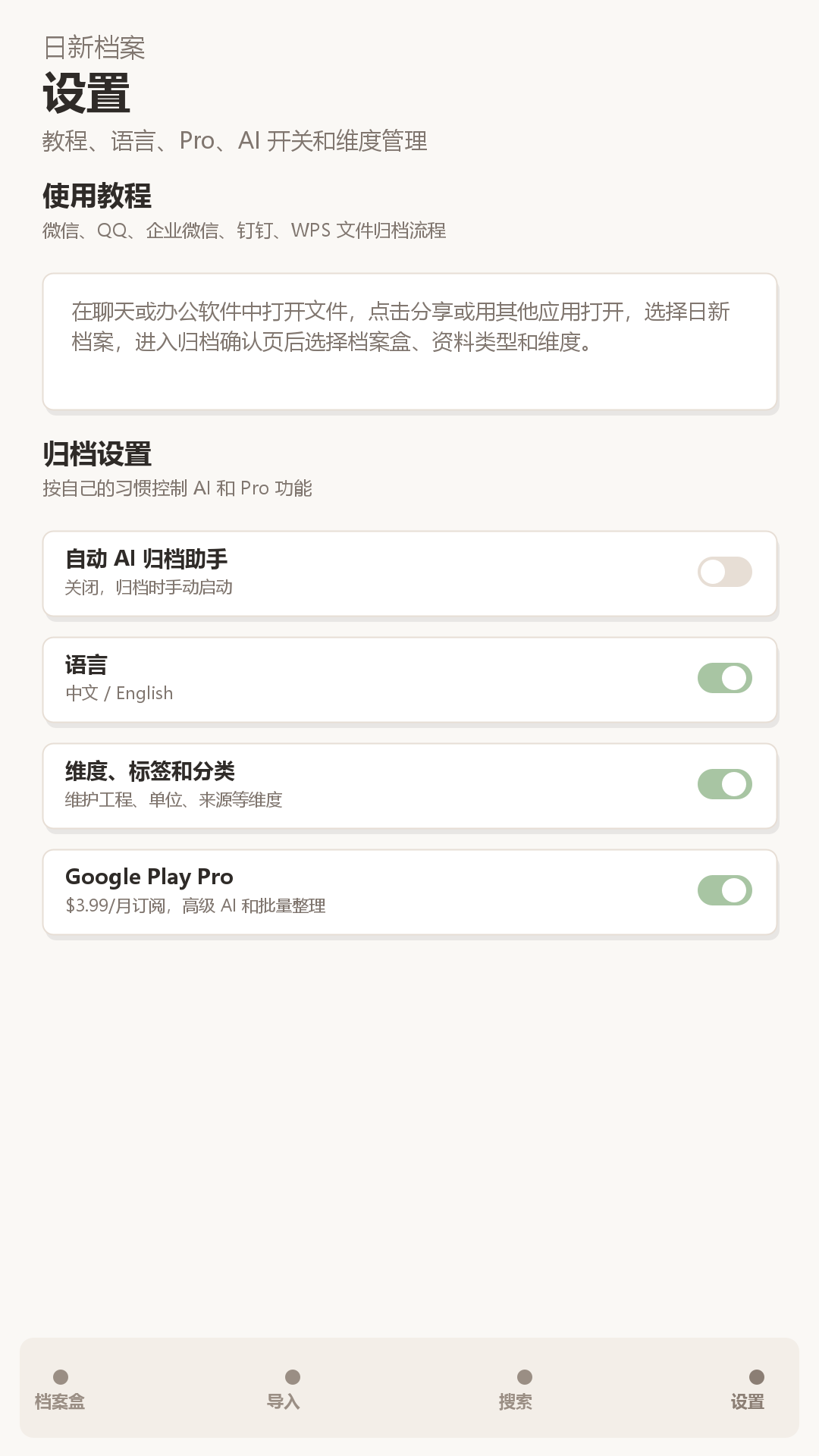
The interface is designed around repeated office use. Archive boxes are visible and collapsible, file types are derived from the extensions actually present in the archive, and batch mode supports moving, sharing, or deleting multiple records with explicit cancel and selection controls. Individual files open through Android's installed compatible apps. A built-in tutorial explains common filing paths from messaging and workplace apps, while settings cover language, AI behavior, dimensions, Pro access, privacy, support, and Google Play updates.
Rixin Archive is especially relevant for professionals, small teams, students, project workers, and families who receive important material through Android but do not need a cloud collaboration suite. Its strongest distinction is the combination of a durable local copy, user-defined archival dimensions, retrieval-oriented summaries, and optional AI suggestions that remain under user control. The free core experience is supported by advertising, and an optional Pro upgrade is handled through Google Play. The result is a practical bridge between everyday Android sharing and a searchable personal archive.
Key features
- Independent local archive copies that preserve original file extensions
- Optional on-device AI summaries, OCR, titles, tags, and filing suggestions
- Search and filters across archive box, type, time, source, tags, and dimensions
- Custom metadata dimensions for projects, organizations, amounts, dates, and locations
- Batch filing, sharing, and deletion with progressive recent-file loading
Pros
- Local-first and no account required
- Independent archived copies
- Optional editable AI suggestions
- Flexible search and custom dimensions
Cons
- Android only
- Some formats depend on installed compatible apps
- AI extraction quality varies by document
Gallery
Reviews
Reviews are moderated before appearing publicly.
No reviews yet — be the first to share your experience.