 ProductReveal
About this product
LightScroll helps you spend less time on distracting apps and websites and follow through on the boundaries you set. A quick check can turn into a long scroll before you notice. LightScroll gives you a way to decide what deserves your attention ahead of time, then adds practical steps between an impulse and the next feed.
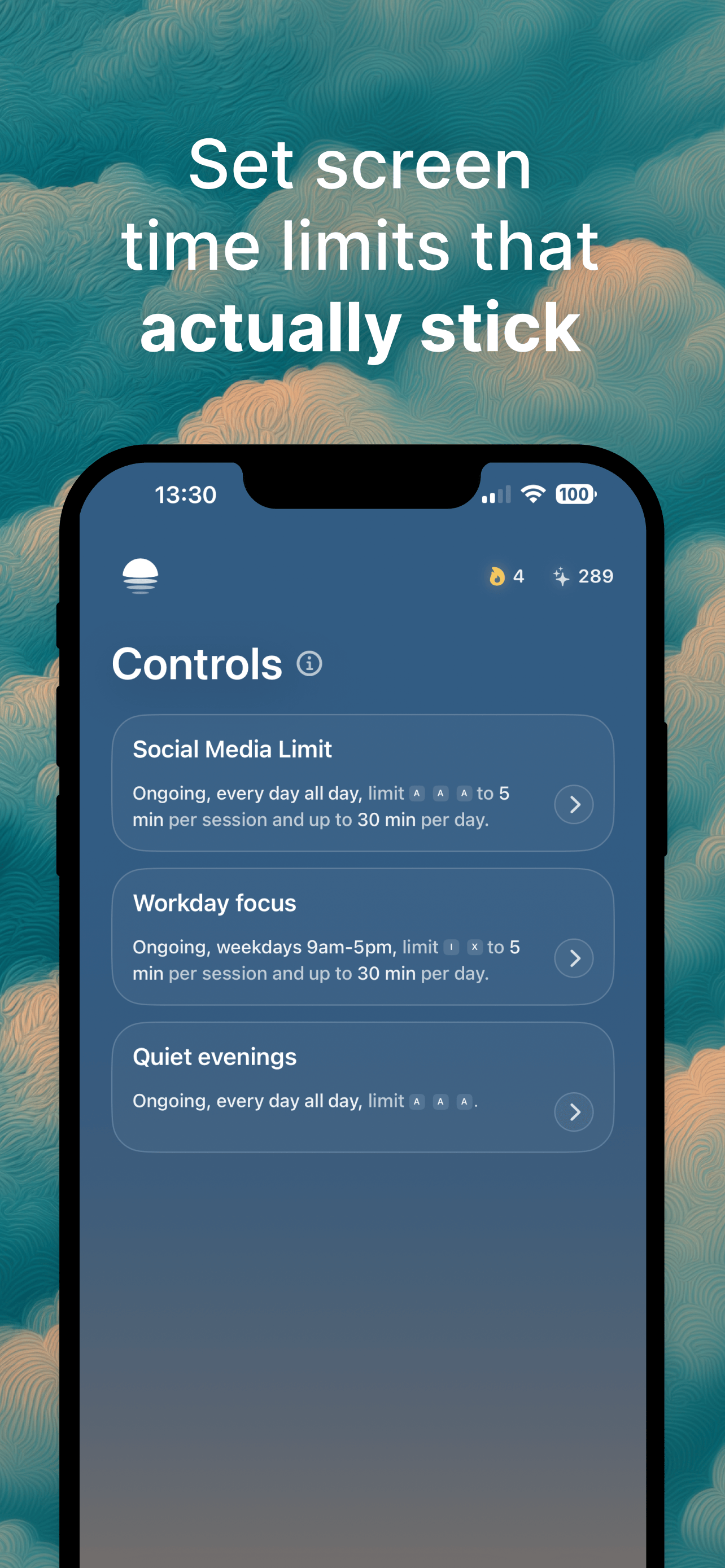
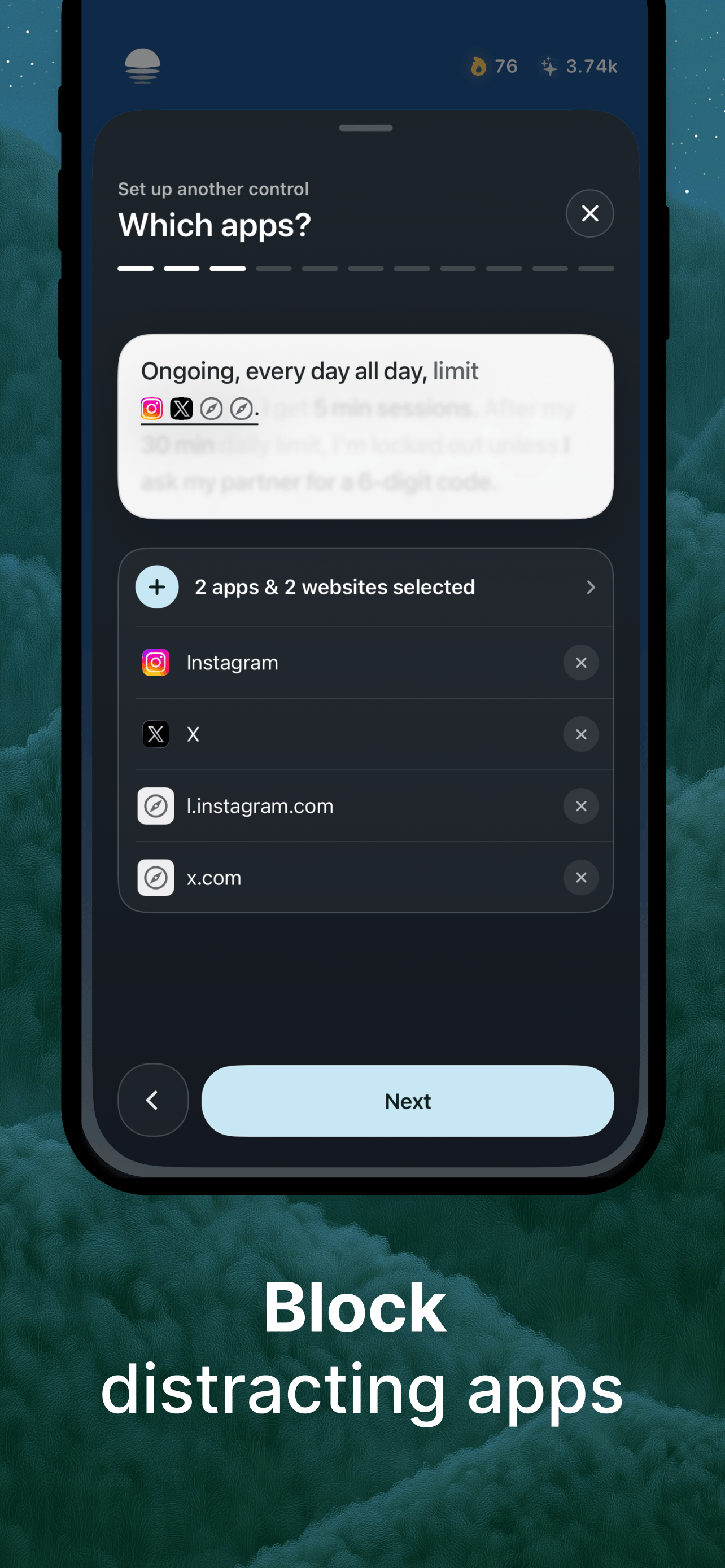
Start by creating a Control for the distractions you want to manage. Choose when it applies, how much time you can use each day and how long an individual session can last. You can build an ongoing routine, protect a part of your day or use a timed goal. Whether you want social media in smaller doses or fewer interruptions while working and studying, the rules are yours to choose. Access is granted in bounded sessions. When a session ends, the selected apps and websites are restricted again according to your Control.
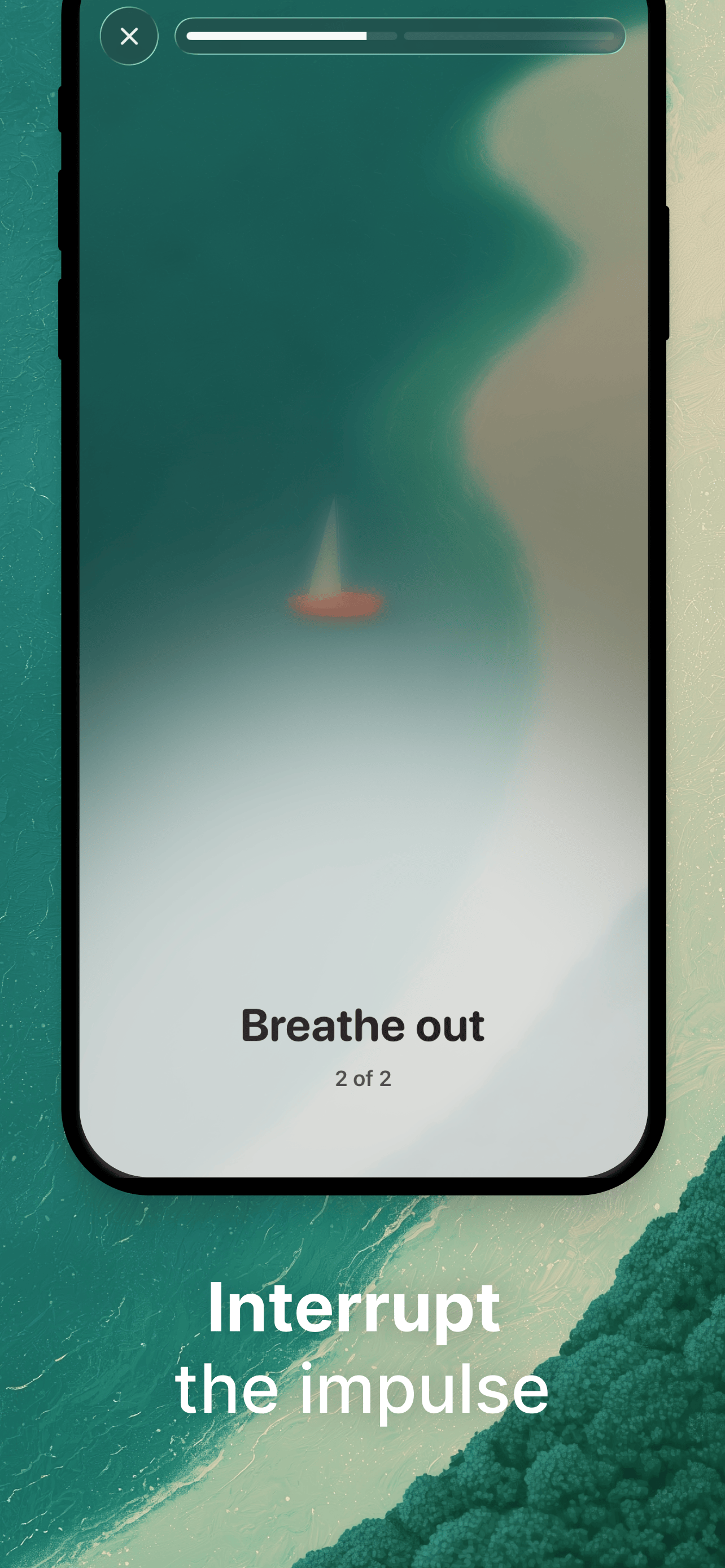
Before an allowed session begins, Friction gives you a moment to reconsider. It can be a short wait, a breathing exercise, a quick minigame, a fact or a quote. You can also randomize it. The pause interrupts automatic opening without treating every visit as a failure: complete the Friction and use the time you planned to allow.
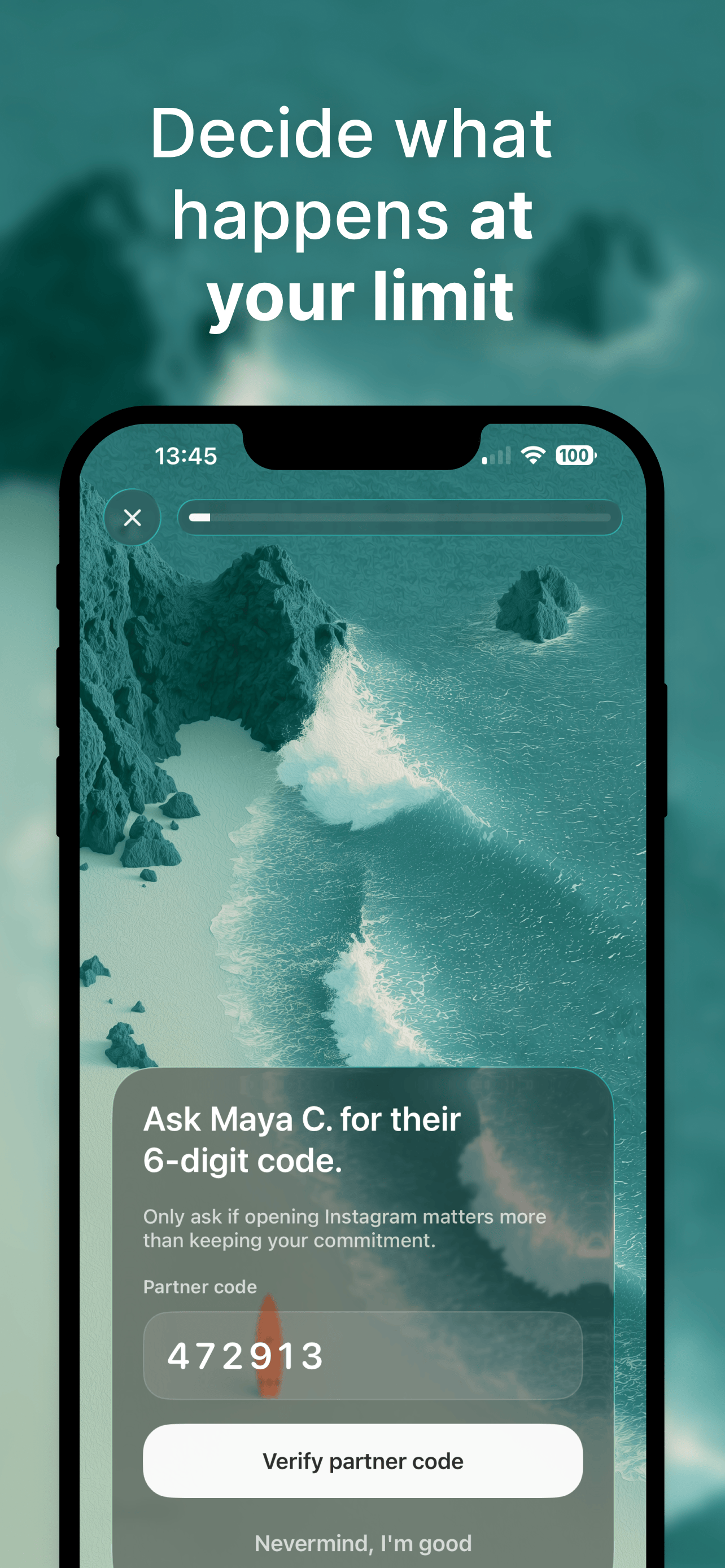
Reaching a limit is a different decision. You choose the Override in advance: wait before an over-limit session, ask a trusted accountability partner for their six-digit code, or select No Way Out to remove the Override option. Using an Override ends your commitment for that Control for the day. There is room to change course when something matters, but continuing has a consequence rather than being a reflexive tap.
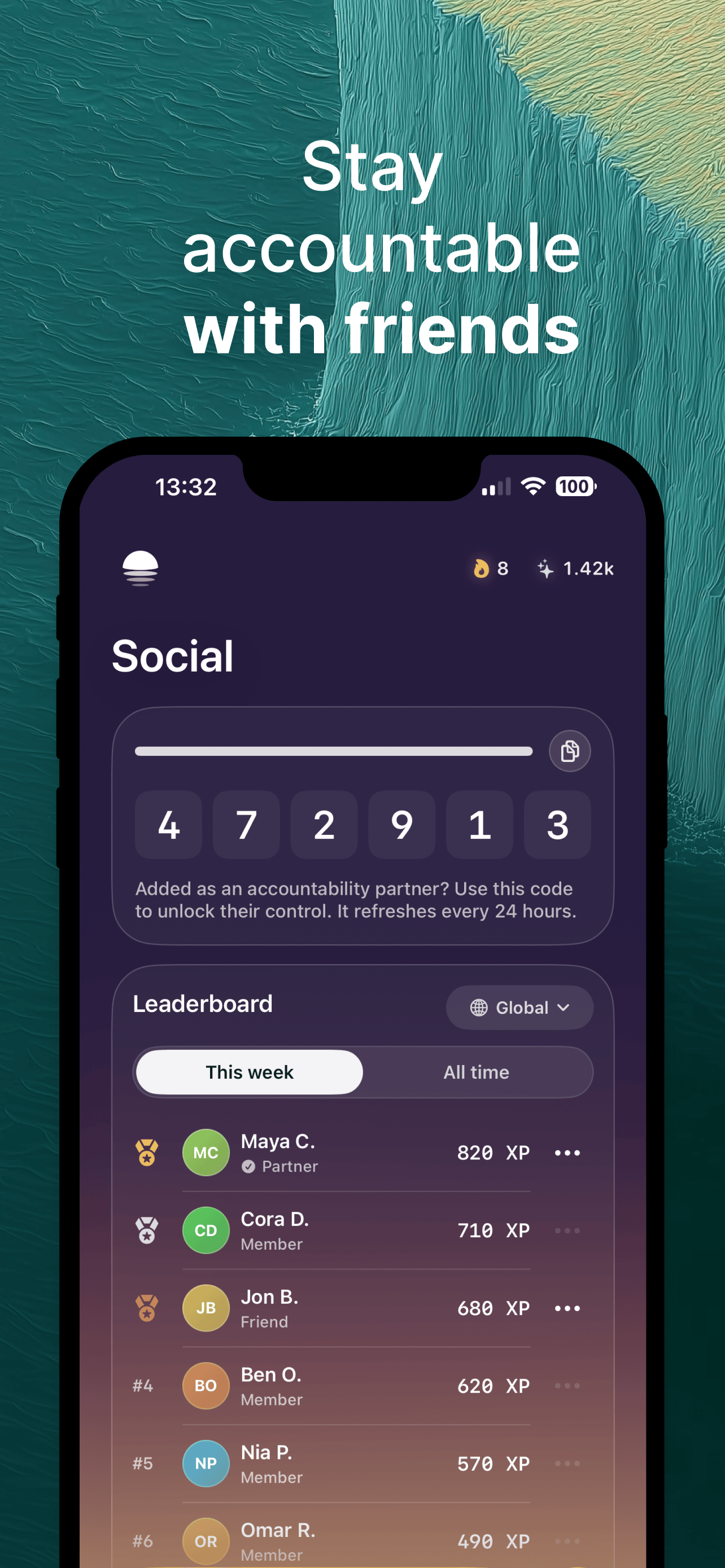
Accountability can include people you already know. Add friends and family, share Controls as challenges and compare your progress. Your chosen partner holds the code when Partner Code is your Override, so asking for more time becomes a conversation instead of a decision you make alone in the moment. A rolling seven-day XP leaderboard gives friends another way to stay involved.
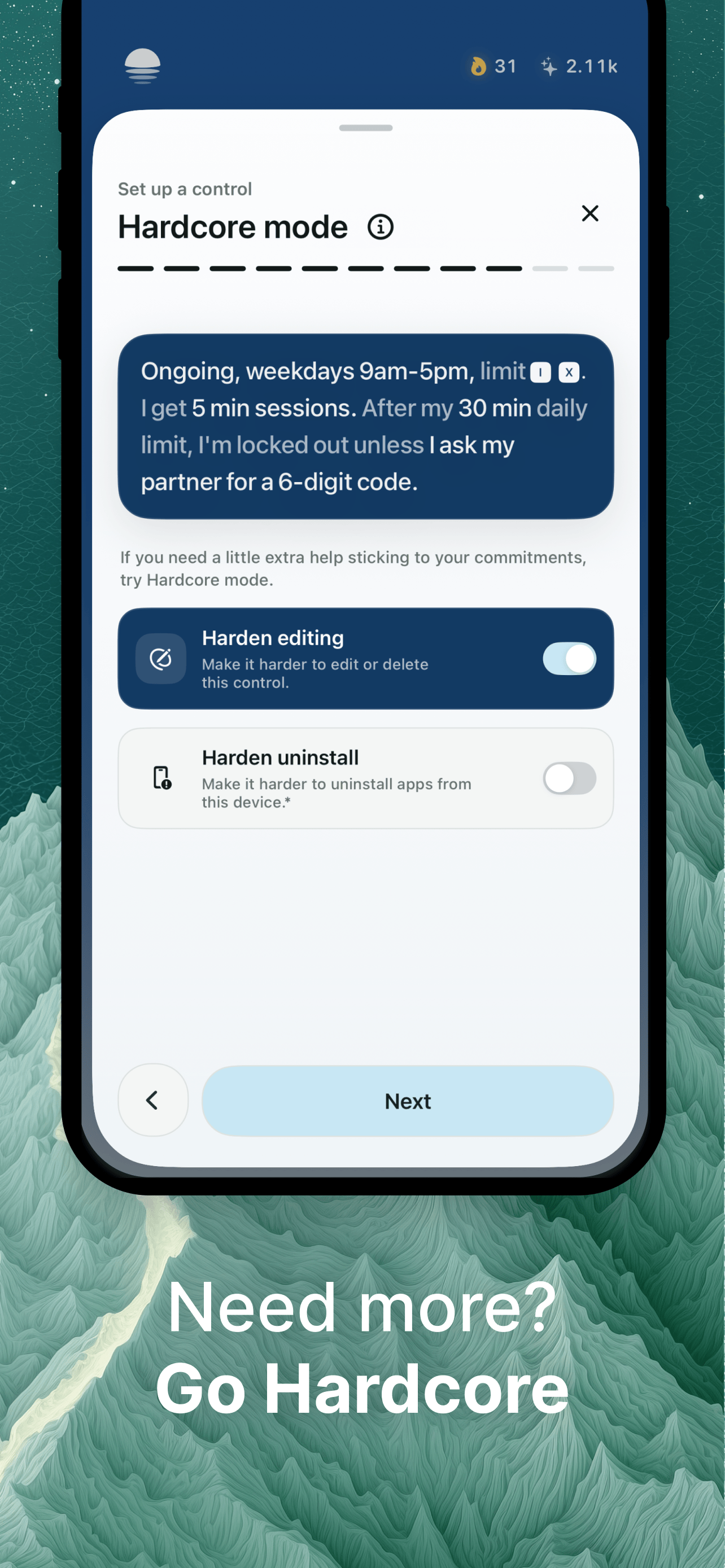
For stronger boundaries, Plus includes Hardcore mode. It can require your chosen Override before you edit or delete a Control or quit LightScroll, making impulsive changes harder. Plus also offers unlimited Controls, timed goals, personalized Frictions, zero allowed time and the option to disable Overrides.
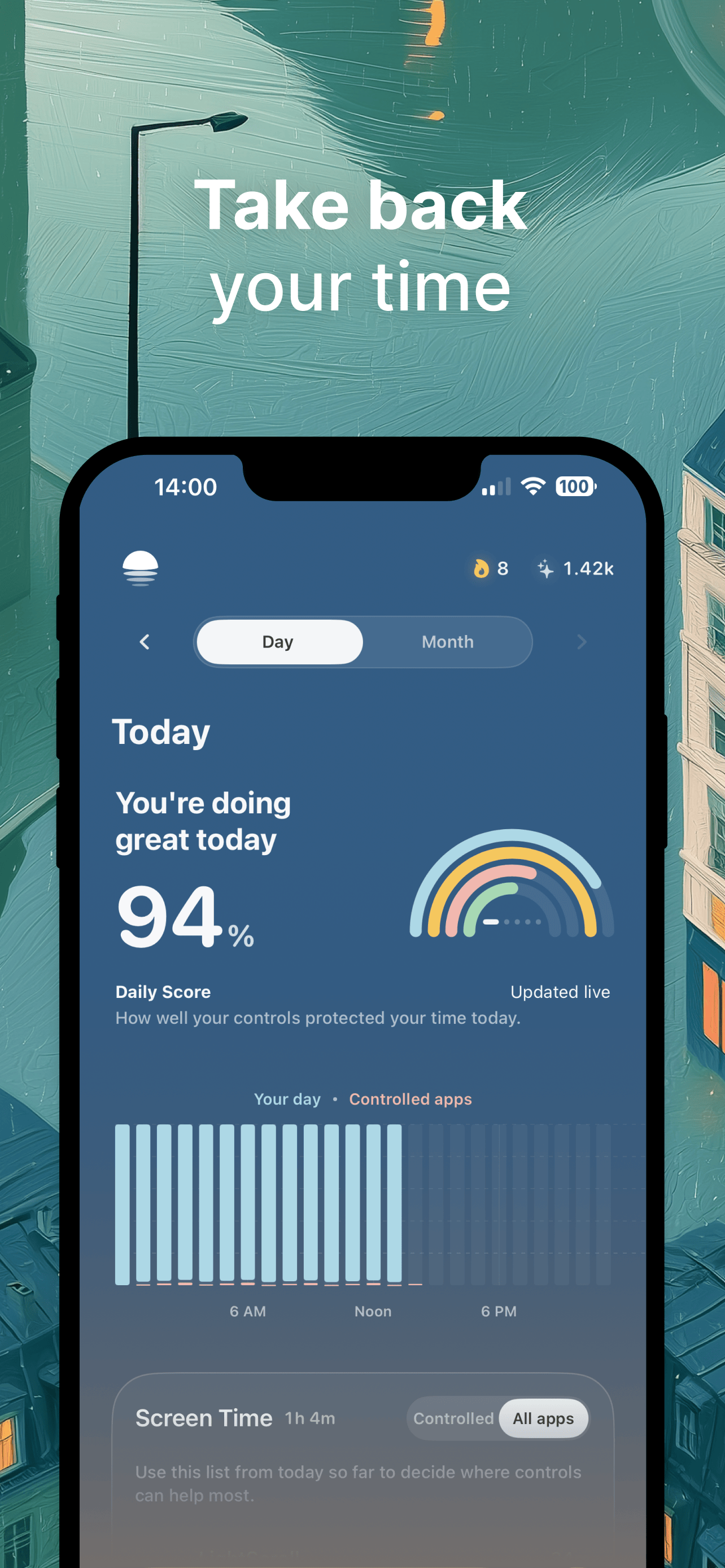
Streaks, Daily Score and XP make your effort visible over time. LightScroll is built around progress rather than a perfect record. After one missed local-streak day, Grace gives you a chance to return before a later miss resets your streak. The aim is to make better screen habits something you can practice with others, not another number to feel bad about.
LightScroll is available for iPhone and Mac. Basic is free and includes up to two ongoing Controls, standard Frictions and unlimited friends, with partner accountability and shared challenges. Choose Plus when you want more customization or stricter boundaries. LightScroll helps you make room for focused work, time with people and the things you meant to do before you picked up your device.
Key features
- Daily limits, shorter sessions and schedules
- A deliberate pause before access
- Optional partner accountability with a six-digit code
- Streaks, XP and shared challenges
- Plus customization and Hardcore mode
Gallery
Reviews
Reviews are moderated before appearing publicly.
No reviews yet — be the first to share your experience.