 ProductReveal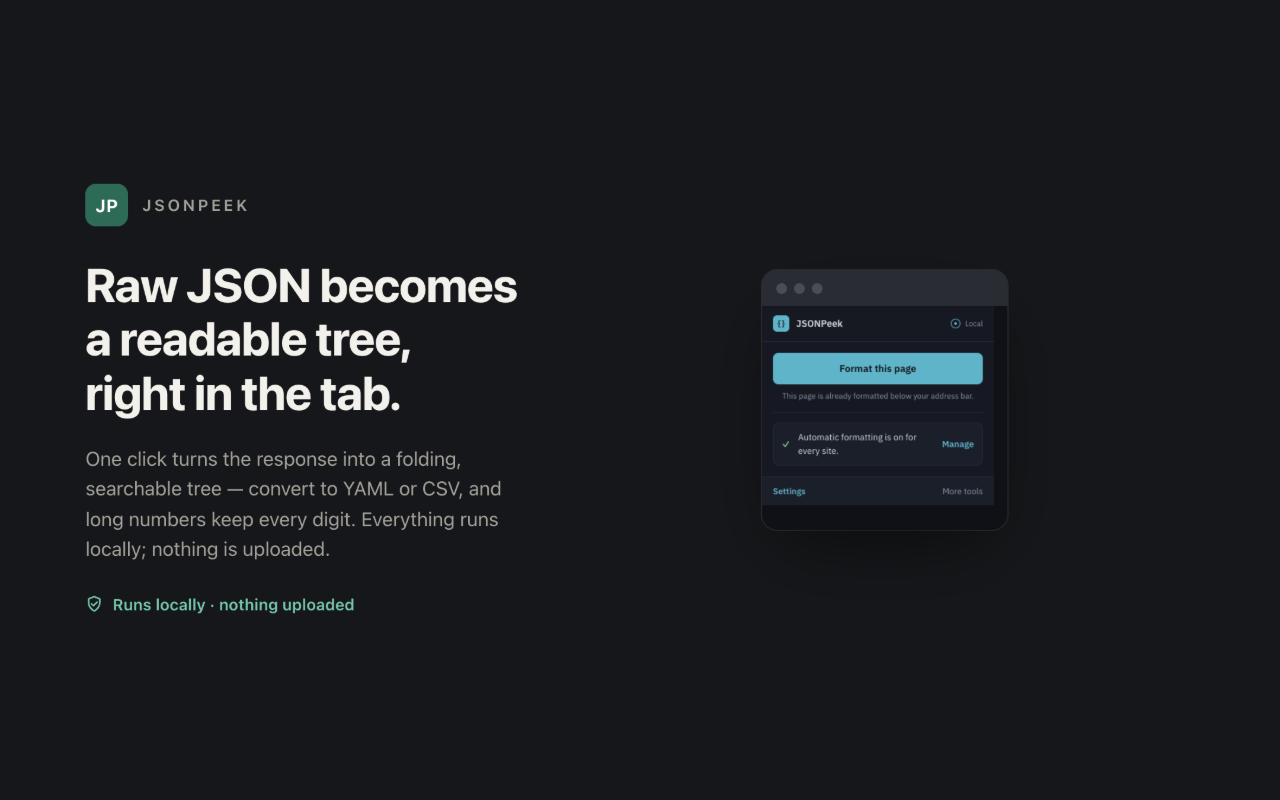
About this product
What JSONPeek is
JSONPeek is a free browser extension for Chrome and Edge that turns raw JSON responses into a readable, folding tree in the current tab. It is aimed at people who inspect APIs, configuration files, webhooks, and other structured data during everyday development or troubleshooting. The product is intentionally narrow: it does not try to become an API client or a cloud workspace. Instead, it improves the moment when a browser opens a JSON response and the user needs to understand its structure quickly.
Core experience
When JSONPeek recognizes a JSON response or a local JSON file opened in the browser, it can format the data into an expandable tree. Users can fold sections to reduce noise and search within the response rather than scanning one long block of text. This is useful for nested payloads where a single field may be several levels deep. A small popup provides access to formatting controls and settings, while the formatted response remains in the original tab.
The extension also includes local conversion helpers for JSON, YAML, and CSV. These tools are useful when a developer receives data in one format but needs to inspect or reuse it in another. Conversion happens in the browser, so the workflow does not require copying a private response into a third-party website. JSONPeek also preserves long numeric values instead of silently shortening them, which matters for identifiers and other values where every digit is significant.
Privacy and installation
JSONPeek is presented as a local-first product. Its official product page states that formatting, folding, search, and conversion run locally, with no analytics, telemetry, or third-party SDKs. It does not require an account and has no paid upgrade. This makes the extension easy to evaluate without creating another cloud identity or accepting a recurring subscription.
Version 1.0.0 is currently available from the official Extensionsly product page as a manually installable Chrome package. The page clearly explains that manual installation requires unzipping the package, enabling Developer mode, and loading the unpacked extension. It also warns that manual installations do not update automatically. Chrome Web Store and Microsoft Edge Add-ons listings are still marked as coming soon, so users who prefer store-managed installation and automatic updates should wait for those listings.
Who it is for
JSONPeek is most relevant to frontend and backend developers, QA engineers, technical support teams, students learning APIs, and anyone who regularly opens machine-readable responses in a browser. It can reduce friction during quick checks, especially when launching a full API client would be unnecessary. The conversion tools may also help analysts or content teams who occasionally need to reshape structured data without uploading it.
Strengths
The product has a clear single purpose and a short learning curve. Folding and search address the main usability problem of raw JSON, while local conversion adds practical value without changing the core workflow. The free pricing, lack of account requirements, and local processing model lower the barrier to trying it. The official page is also transparent about supported browsers, package version, manual installation steps, privacy behavior, and the current absence of public store listings.
Limitations and tradeoffs
The biggest limitation is distribution. Manual installation is appropriate for developers and testers, but it is less convenient than a verified store listing and does not provide automatic updates. JSONPeek is also a focused viewer rather than a full API development platform. It does not replace request builders, authentication management, team collections, automated tests, or hosted collaboration. Users should also review browser permission prompts and the published privacy policy before installation, as they should with any extension.
Conclusion
JSONPeek is a practical choice for people who want readable JSON, quick local search, and format conversion without sending response data to an online formatter. Its strongest qualities are focus, transparent privacy claims, and a completely free model. It is best suited to technically comfortable users while manual installation remains the only public distribution route. For users who require store verification, centralized deployment, or automatic updates, waiting for the announced store releases is the more appropriate choice.
Key features
- Folding and searchable JSON tree in the current tab
- Local JSON, YAML, and CSV conversion helpers
- Long-number precision preservation
- No account, analytics, telemetry, or third-party SDKs
- Free Chrome and Edge workflow with local processing
Pros
- Readable folding and search for nested JSON
- Local JSON, YAML, and CSV conversion
- No account or paid upgrade
- Transparent privacy and manual-install disclosures
Cons
- Manual installation does not update automatically
- Public browser store listings are not yet available
- Not a replacement for a full API client
Reviews
Reviews are moderated before appearing publicly.
No reviews yet — be the first to share your experience.