 ProductReveal
About this product
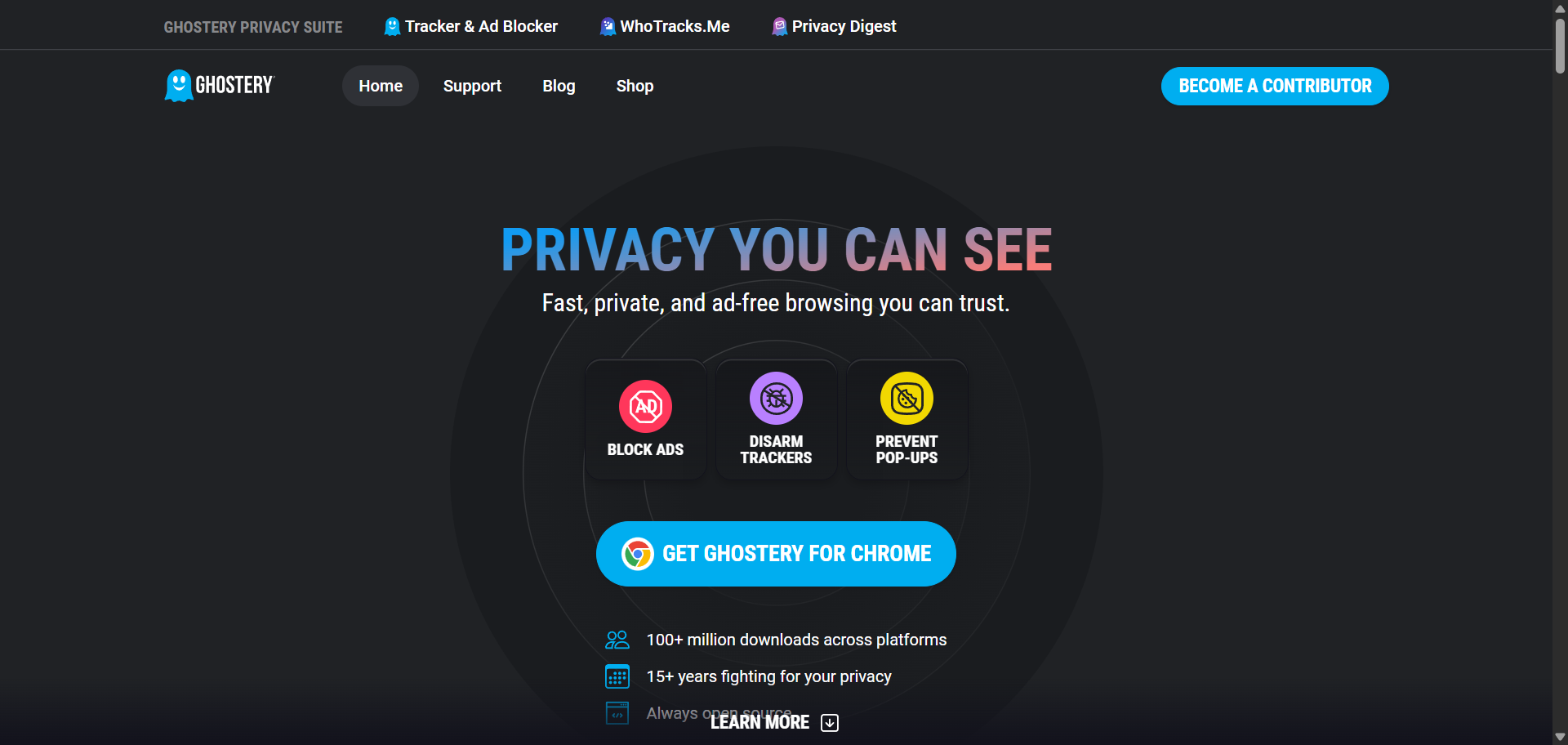
Ghostery is a privacy-focused browser extension and online privacy platform that helps users browse the internet with fewer ads, fewer trackers, and greater control over their personal data. Over the years, it has become one of the most recognized privacy tools for people who want a cleaner, faster, and more transparent browsing experience. Instead of simply hiding advertisements, Ghostery is designed to reveal how websites collect data, block unwanted tracking technologies, and give users more visibility into what happens behind the scenes whenever they visit a webpage.
One of the biggest reasons people choose Ghostery is its ability to block both advertisements and hidden trackers at the same time. Many websites include dozens of third-party scripts that collect browsing data for advertising, analytics, and personalization. These trackers can slow down page loading and reduce online privacy. Ghostery automatically detects these tracking technologies and prevents many of them from loading, helping websites open more quickly while limiting unnecessary data collection. Because fewer scripts are loaded, users often notice faster browsing and reduced data usage, especially on content-heavy websites.
Unlike many ad blockers that work quietly in the background, Ghostery emphasizes transparency. When visiting a website, users can see which companies are attempting to track their activity and understand what types of tracking technologies are being used. This visibility makes it easier to understand how websites collect information and gives users the option to customize their privacy settings according to their own preferences. Whether someone wants maximum privacy or simply wants to reduce intrusive advertising, Ghostery provides flexible controls without making the experience overly complicated.
Another feature that sets Ghostery apart is its automatic cookie consent management. Instead of manually dismissing cookie banners on every website, Ghostery can automatically reject or manage many tracking-related cookie requests. This not only saves time but also reduces the number of interruptions users encounter while browsing. Combined with its tracker blocking capabilities, this feature creates a smoother and less distracting web experience.
Ghostery is also committed to openness. Its browser extension is open source, allowing developers and security researchers to review the code and contribute improvements. This level of transparency helps build trust among privacy-conscious users who prefer software that can be independently audited. In addition to its browser extension, Ghostery maintains WhoTracks.Me, a public research project that provides information about online tracking companies and their activities. Researchers, journalists, and privacy advocates use this resource to better understand the online advertising ecosystem.
Compatibility is another strength of the platform. Ghostery supports major browsers including Google Chrome, Mozilla Firefox, Microsoft Edge, Opera, Brave, and Safari. Mobile versions are also available for supported browsers on Android and iOS, allowing users to maintain similar privacy protections across multiple devices. Installation is simple, and most users can begin blocking ads and trackers within a few minutes without adjusting complex settings. Those who prefer greater control can customize filters, create allowlists for trusted websites, and fine-tune blocking preferences.
Overall, Ghostery offers a practical balance between privacy, performance, and ease of use. It helps users block intrusive ads, reduce online tracking, improve page loading speed, and better understand how websites collect data. Whether you're concerned about online privacy, frustrated by excessive advertising, or simply looking for a cleaner browsing experience, Ghostery provides a reliable solution that is suitable for both casual internet users and more privacy-conscious individuals. Its combination of transparency, customization, and cross-browser support has helped it remain one of the most trusted privacy tools available today.
Key features
- Blocks intrusive ads, pop-ups, tracking scripts, and other unwanted content to create a faster and cleaner browsing experience.
- Shows which companies are tracking your activity on each website, giving you greater insight into online data collection.
- Helps automatically reject or manage many tracking-related cookie banners, reducing interruptions while browsing.
- Available for Chrome, Firefox, Edge, Safari, Opera, Brave, and supported mobile browsers, making privacy protection accessible across devices.
- Built on an open-source foundation and supported by the WhoTracks.Me project, promoting transparency and community-driven improvements.
Pros
- Blocks both advertisements and online trackers.
- Improves browsing speed by reducing unnecessary scripts.
- Displays detailed information about website trackers.
- Automatically handles many cookie consent pop-ups.
- Easy to install and beginner-friendly.
- Open-source extension promotes transparency.
- Supports all major desktop browsers.
- Includes customizable blocking rules and allowlists.
- Backed by the WhoTracks.Me privacy research project.
- Free to use with regular updates.
Cons
- Some websites may require allowlisting to function correctly.
- Advanced privacy settings can take time for new users to understand.
- Certain ads or website elements may occasionally bypass blocking as advertising technologies evolve.
- Browser extension functionality depends on browser platform limitations.
- Privacy-focused blocking may occasionally affect the appearance or functionality of some websites until adjusted.
Reviews
Reviews are moderated before appearing publicly.
No reviews yet — be the first to share your experience.
Disclaimer: Product information is submitted by makers and reviewed by ProductReveal before publishing. We try to keep details accurate, but pricing, features, and availability may change. Please verify details on the official product website.