Introduction
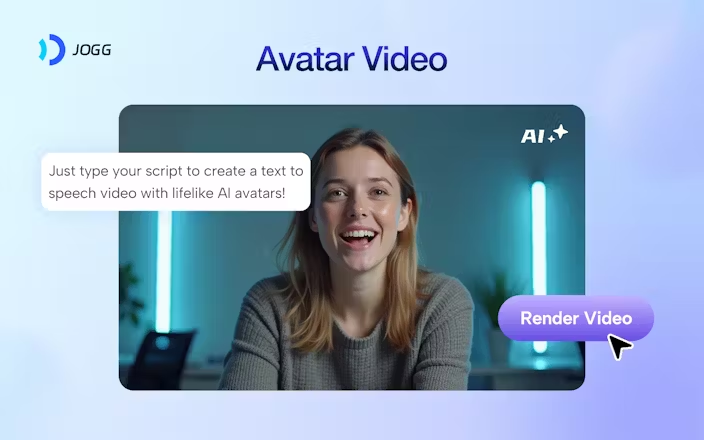
JoggAI is a powerful AI-driven video creation platform tailored for creators, marketers, product teams and agencies who want to produce high-quality videos quickly and with minimal traditional video-production overhead. Instead of filming, hiring actors or editing manually, users can generate videos by selecting or customizing AI avatars, uploading images or links, entering scripts or text prompts, and letting the platform handle the heavy lifting—from lip-synchronised avatar visuals to voice-over and scene effects.
The tool supports a wide variety of use-cases: marketing ads, social-media clips, product promo videos, faceless content, avatar presenters, multilingual voice overs, and “URL-to-video” workflows (where you paste a link and the system generates a video from it).
JoggAI emphasises speed, accessibility and scale: you don’t need a camera or crew; you can create content in minutes that would otherwise take hours or days. The platform boasts hundreds of realistic avatars, support for multiple aspect ratios (ideal for Instagram, TikTok, YouTube), voice and script generation, image-to-video tools (turn a still into motion), and batch processing for scaling. For content operations with frequent demands—social posts, product launches, repurposed content—JoggAI offers a modern alternative to legacy video pipelines.
Overall, if you’re looking to create engaging video content rapidly, especially for social or marketing contexts, and want to leverage branded avatars, automated voice-overs and minimal filming/editing effort, JoggAI is a strong contender.
🌟 Why You Should Choose
Rapid video production with minimal equipment – You can generate fully rendered videos without filming, green screens or multi-person crews; useful when time or resources are limited.
Large library of avatars + customization – Choose from many ready-made avatars or create custom ones (photo-to-avatar, text-to-avatar) to match your brand or presenter style.
Multi-format support + scalable workflows – Works across formats and platforms (vertical, square, landscape) and supports batch or “URL-to-video” features to scale creation.
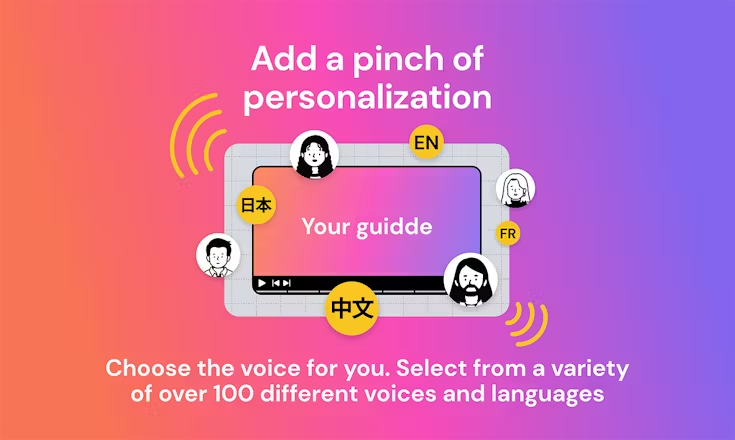
Automation of scripting, voice-over and localisation – The platform offers script generation, voice cloning, support for 50+ languages, and avatars that lip-sync naturally, making global or multilingual campaigns easier.
Cost-effective for high-volume content – Compared to traditional video production, JoggAI provides a lower-cost alternative for creating many videos rapidly, especially useful for marketers, e-commerce brands and social creators.
⚙️ Additional Highlights
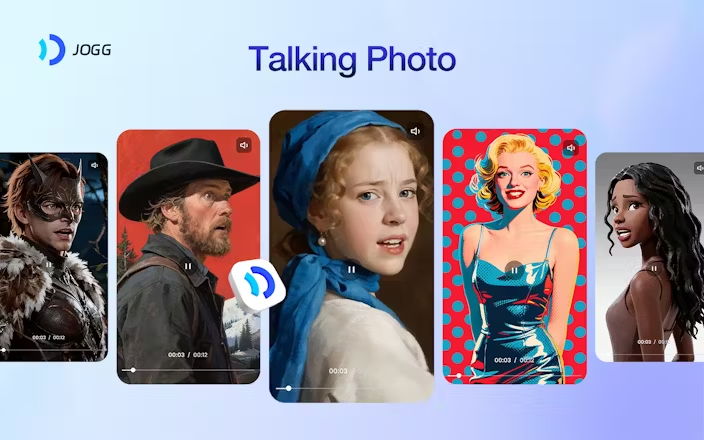
Image-to-video tools that animate static photos, product images or portraits into dynamic motion visuals.
“URL to video” workflows: paste a product or webpage link and the system extracts key assets & produces a marketing-style video.
Batch processing for creating multiple videos at once, which is helpful for agencies or brands with frequent launches.
Export options across video lengths (up to 15–30 minutes in higher tiers) and aspect ratios tailored for different platforms.
Free tier available allowing you to experiment; paid plans scale according to credits, custom avatars and longer videos.
Integration of branded elements (logos, colours), faster rendering times at higher tiers, and team/seat-based workflows for collaboration.
Launch Date & Founder Name
The platform is publicly referenced as active around 2024-2025 and has rapidly grown in creator adoption.
While specific founder names are less publicly emphasised, the company identifies itself as a global creator-tool firm with large user-base.
Pros And Cons
Pros:
- Enables creation of professional-looking video content without traditional production overhead.
- Strong avatar library and customization mean you can match your brand or persona visually.
- Useful for social, marketing, product videos — high-rep volume creators benefit the most.
- Speed and automation reduce cost/time compared to typical video workflows.
- Free trial makes it possible to test before major investment.
Cons:
- While automated, you still need to review outputs, refine scripts/voice and ensure brand consistency—automation doesn’t guarantee perfect creative.
- For very high-end production (live-action cinematography, large green-screen shoots, highly bespoke VFX), this may not replace full studio workflows.
- Usage might become expensive if you create very long videos, require many custom avatars or high-resolution output—credit-based pricing means heavy usage costs more.
- Some users report limitations in voice nuance, avatar realism or platform-specific integrations compared to traditional video editors.
- Dependence on AI-generated components means creativity is constrained by what the platform supports—very unique or deeply customised visuals may need manual editing.