
Introduction
Guidde is a generative-AI platform that dramatically simplifies the creation of video documentation, process guides and training materials. With just a few clicks, teams can capture a workflow, let the tool automatically generate a step-by-step guide and voice-over, and share the result broadly — all without needing extensive design or video-editing skills. The platform is built to solve the common problem where video creation and instructional content are slow, fragmented and resource-intensive. Instead, Guidde automates key parts of the workflow: screen capture, narration (including AI-voice in multiple languages), annotations, call-outs and export/sharing formats.
For businesses of all sizes — from support teams and product teams, to onboarding/training departments — Guidde enables the creation of high-quality, branded instructional content in minutes rather than hours or days. Use-cases include creating how-to videos for customers, building internal knowledge-bases, onboarding new employees, documenting software workflows or producing “feature release” videos. The platform supports browser extensions or desktop apps to record workflows, then applies its AI engine to generate narrative, visuals and structured documentation. It also allows editing, branding, export in formats (video, GIF, embed links), multilingual voice-over, sharing and analytics.
In an environment where remote teams, product updates and self-service support are increasingly important, Guidde offers a way to scale documentation, reduce repetitive questions (e.g., from customers or staff), and keep knowledge fresh without a heavy production pipeline. Its promise is accelerated documentation, higher engagement and lower content creation burden — making it an attractive option for organisations that need to continuously capture and share how-to workflows.
🌟 Why You Should Choose
Create documentation 10-11× faster – By automating the capture, narration and structuring of guides, users report much faster production of how-to content.
Minimal skill & tool burden – No heavy video-editing or production experience required; record your workflow and let Guidde handle the rest.
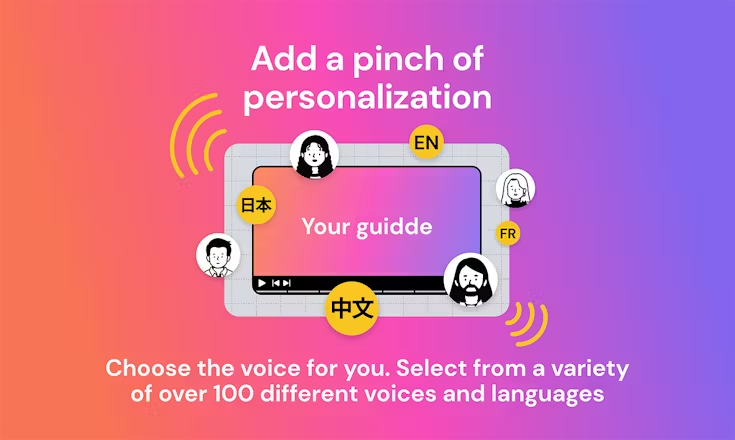
Branding & multilingual voice-over ready – You can apply your own brand kit, choose AI-voices in many languages and accents, and make material ready for global users.
Rich sharing & export formats – Guides can be shared via links, embedded into websites, exported as MP4/GIF/slides, or integrated into knowledge-bases and training platforms.
Ideal for training, support and onboarding at scale – Whether you’re building customer help videos, internal training modules or product feature walkthroughs, the tool supports repeatable, scalable creation of visual guides.
⚙️ Additional Highlights
Automatically generates textual step-descriptions and structures them into a “storyline” for workflows.
Editor supports annotations, blurring of sensitive information, custom branding and drag-and-drop edits.
Supports AI-generated voice-over in 100+ voices and multiple languages, enabling localisation.
Enables teams to manage a library of guides, track analytics (views, completion), and collaborate on creation.
Free tier allows up to 25 how-to videos, making it accessible for smaller teams or trials.
Especially useful for SaaS, customer-support, training/admin teams, and remote organisations needing fast documentation.
Launch Date & Founder Name
The company behind Guidde was co-founded by Yoav Einav (Co-Founder & CEO) and Dan Sahar (Co-Founder & CPO).
It has raised in the order of tens of millions of dollars and reports a user base in excess of 100 000 users.
Pros And Cons
Pros:
- Significantly reduces time and cost of instructional video/documentation creation.
- Makes video how-to creation accessible to non-designers and non-video professionals.
- Helps support, training, product teams scale knowledge creation and reduce repetitive manual tasks.
- Strong branding and localisation support with AI voices and export/share flexibility.
- Good value for smaller teams via free tier and scalable plans.
Cons:
- While powerful, editing flexibility may not match full video-production tools for very custom or cinematic content.
- For very complex workflows (hundreds of steps, high editing detail) the automated structure may need more manual refinement.
- As with many browser-based recording tools, you’ll want a good screen environment and may run into limitations if your workflow involves non-standard applications.
- The free tier may be limited in capacity/features, so as usage grows you’ll likely need to upgrade.